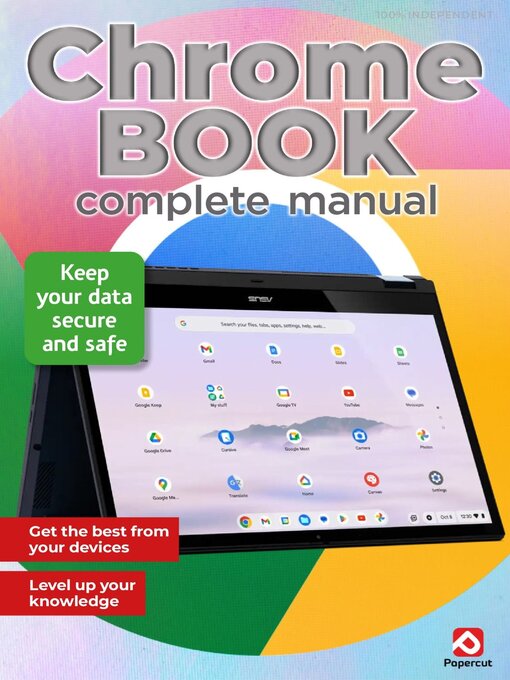
 Issue 5
 Issue 4
 Issue 3
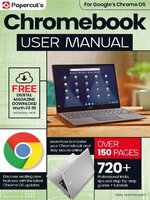 Issue 2 - July 2024
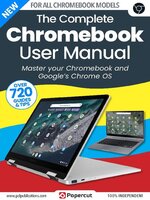 Issue 1 - January 2024
Learn how to master your Chromebook and Google's Chrome OS
Make Chrome OS Your Own • In order to get the best experience from your Chromebook, you’re going to need to master the ins and outs of Chrome OS. This is best done by customising, and personalising, and spending some time investigating its settings and seeing how things work. In this section, you’ll learn how to make Chrome OS your own, and you’ll delve into its core to further understand one of the best operating systems available.
How to Use Chrome Plug-ins • Plug-ins are essential pieces of software that help the browser to read and display certain types of content. Unlike extensions, which add extra features to Chrome, plug-ins are essential to the smooth running of the browser. Here’s how to check, install, block and disable plug-ins for Chrome.
Setting Up Chrome Autofill • Some of the most useful features of Chrome, like Chrome Autofill, are easy to set up and can make browsing the Internet a much quicker experience, particularly if you find yourself forever filling out online forms.
Chrome Tips and Tricks • Even if you have been using Chrome for a while, there are probably dozens of tricks that you never even knew were possible. Here are a few tips and tricks to get you started.
Installing Apps • Naturally, you’re going to want to install more apps than the current, default selection. Thankfully, and thanks to some new features of Chrome OS, the task of installing new apps is exceedingly simple; especially since we can now use the Google Play Store.
Removing Apps • We’ve all been there, installed an app that looked interesting only to find that it’s a complete waste of space. Removing, or uninstalling if you prefer, an app is as easy as installing one on Chrome OS. There are several ways it can be done, so let’s have a look at them.
Using Desks • Desks isa technology that’s used in most modern operating systems. Essentially, it’s a multi-tasking aid that enables you to create multiple virtual desktops, so you can separate work from personal, coding from word processing, and so on. Here’s how to get the most from them.
Working with a Chromebook • You can be forgiven for thinking that a Chromebook is really just an elaborate tablet, capable really of only viewing social media, playing some games, watching the occasional YouTube video and looking up who the actor is in the show you’re watching. But there’s more to it than that.
Using Google Apps • The Google app suite contains some of the world’s most popular and widely used applications. Offering alternatives to operating staples such as email, maps, calendar, photo editing and so much more. Having set up your Google account, you can then access the entire suite for free. Over the following pages, we will take you through our expert tips to ensure that you make the very best of each one.
Get Started with Gmail • Gmail is an integral element of the Google app suite, an email platform that works seamlessly on whichever OS you use, quickly becoming a key part of your daily routine.
How to Customise Gmail • Gmail works brilliantly straight out of the box. There are, however, several things you can do to Gmail to make it suit your personal preferences more closely, from adding a theme to customising the layout of the inbox.
Dealing with Gmail Spam • If you find that spam emails are still getting through the built-in filters and being displayed with your other emails, you can do several things to improve detection and removal of these unwanted messages.
Gmail User Tips and Tricks • You can be up and running with the basic Gmail in seconds, or you can spend ages customising it and getting it set up in several different ways. Even if you have been using Gmail for a while, there are probably dozens of tricks that you never even knew...